Vault Scanner Modal
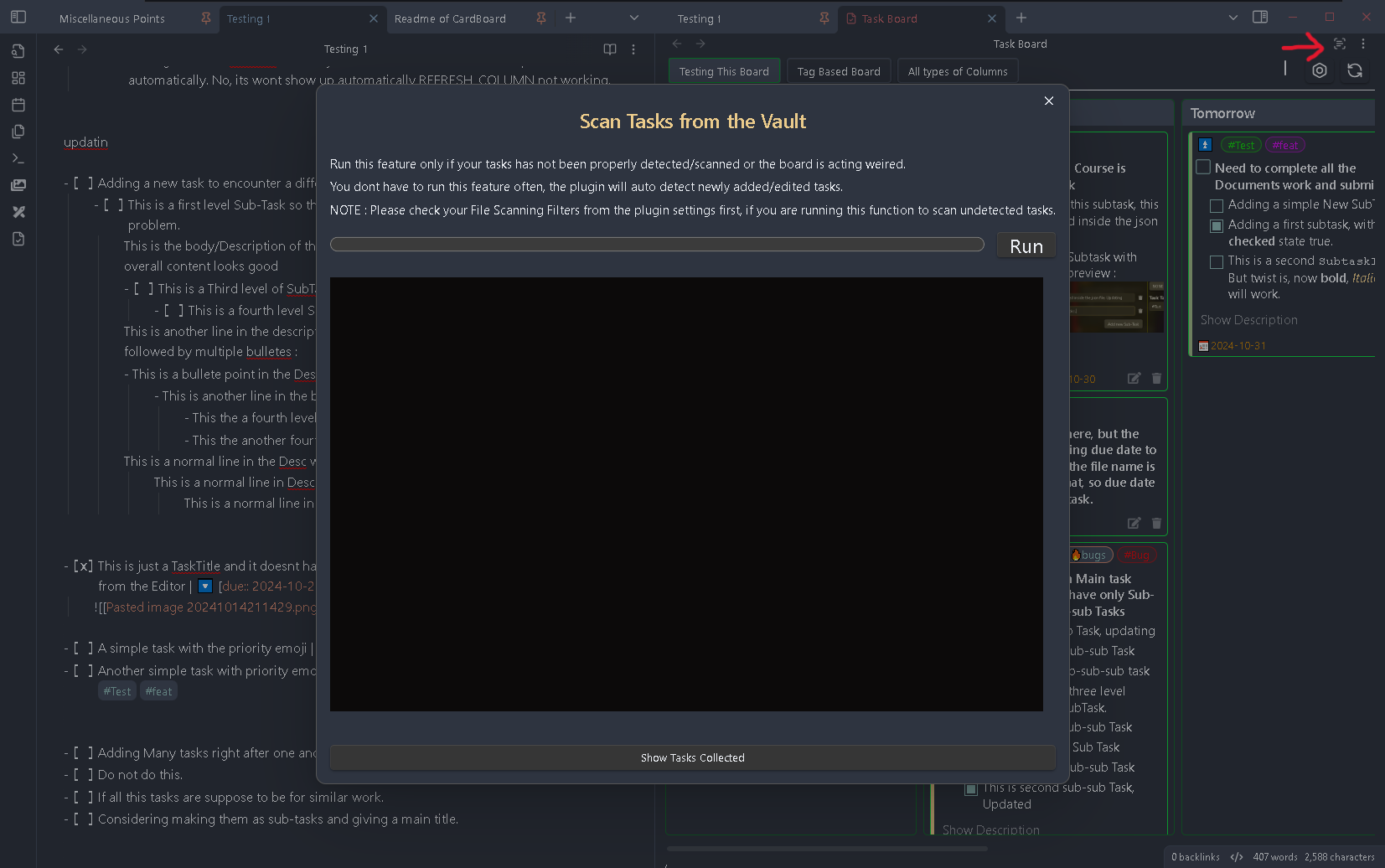
In this modal you can see a terminal like section. Once this window is opened to scan all the files you need to click on the Run button. After you click on the run button the plugin will start scanning all the files from your vault to detect any tasks are present in them.
During scanning, you can see which file are getting scanned at present or which all files got scanned in the terminal like section. The progress bar will also show the progress of the current operation and you should able to see the percentage value in the button text.
After the scanning operation is complete, you can see all the tasks which has been collected in the All Tasks Preview section which is hidden and can be opened using the Show Tasks Scanned button at the bottom. Once you click on this button, a new section will slide in from the right taking the space of the terminal section. In this preview section you will be able to see which all tasks has been extracted from the corresponding scanned files, mentioned as the heading.